Free photography invoice template
Bill for shoots, editing, prints and licensing. Itemize sessions and deliverables, then download a branded PDF invoice.
| Description | Qty | Rate | Tax | Amount | |
|---|---|---|---|---|---|
| $0.00 |
| Subtotal | $0.00 |
| Total | $0.00 |
Email this invoice
Sends a PDF attachment to your client. Replies come back to you.
Save your invoice — for free
Create a free account (or log in) to keep billing without starting over.
New here? We’ll create your account automatically.
Your invoice is downloading
Check your downloads folder for 20260812_INV-0001.pdf. Thanks for using BillCrafter!
Sign this invoice
Draw your signature below. It’s embedded into the PDF and stored with a signing record.
My invoices
Click Save to store the current one.
The parts of an invoice, labelled.
A complete invoice has nine parts. The editor above has a field for every one — here's where each sits on the finished document.
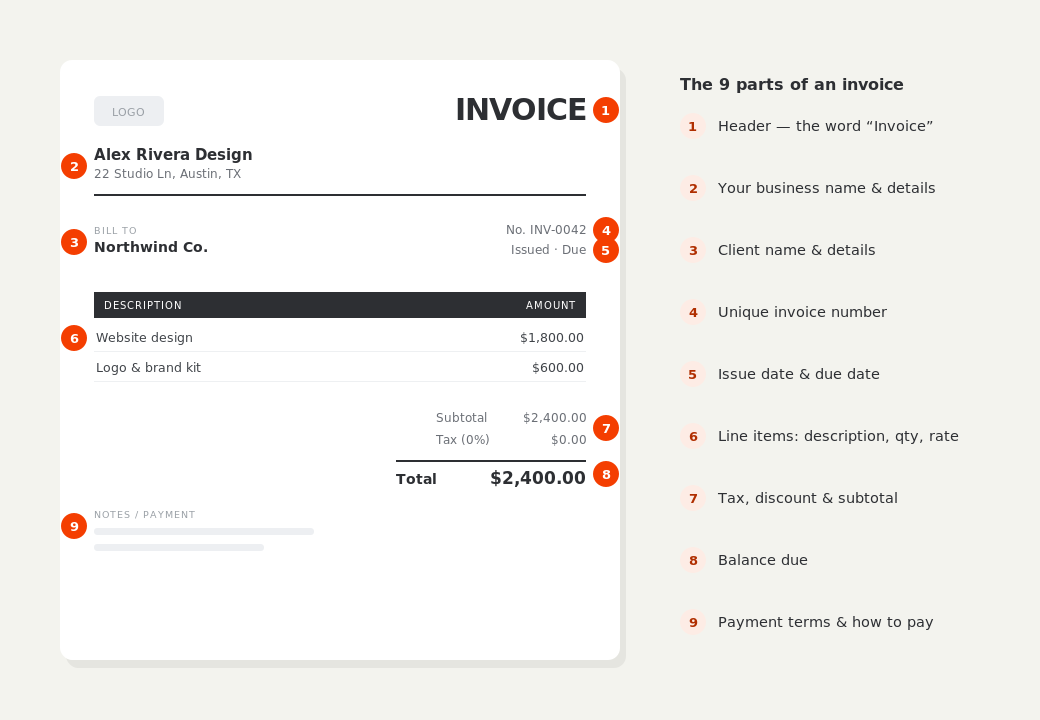
What to put on this invoice.
Miss one of these and the document usually comes back with a question attached. Everything here is a field in the editor above.
- Shoot date, location and duration
- Session fee and any second shooter
- Editing and retouching time
- Licensing or usage rights granted
- Prints, albums or physical products
- Retainer already received, and the balance
The retainer and the balance are two different moments
Most photography work takes a non-refundable retainer to hold the date, with the balance due before or shortly after delivery. Your invoice should show the full fee, the retainer already received, and the balance outstanding — not just the remaining number on its own. Clients keep invoices for their own records, and a document showing only the balance makes the total look wrong months later when nobody remembers the deposit.
Licensing is a line item, not an afterthought
What the client may do with the images is usually worth more than the hours spent taking them. Put the grant on the invoice as its own line — personal use, one year of commercial social media, unlimited web, print advertising — so there's a written record of what was bought. Vague invoices are where usage disputes start, and an invoice is often the only document a small client keeps.
Prints and products are taxed differently from services
In many US states photography services and physical goods carry different sales-tax treatment: a delivered album or print is tangible property, while the shoot itself may not be. Because BillCrafter lets you mark individual lines taxable or not, you can put the album on a taxed line and the session on an untaxed one where that's the correct treatment. Which rule applies to you depends on your state — confirm it rather than assume.
Photography invoice template — common questions.
How do I invoice a wedding deposit?
Issue the invoice for the full package, then enter the retainer in the “Amount paid” field. The document shows the total, what's been received, and the balance due on or before the wedding date.
Should licensing be a separate line?
Yes. Stating the usage granted on the invoice creates a written record of what the client bought, which is what protects you if they later want to use the images more widely.
Can I invoice in a different currency for an overseas client?
Yes — pick the currency in the side panel before you export. The figures are formatted the way that market expects.
BillCrafter is a document tool, not an accounting or legal service. Tax and contract rules vary by country and state — check anything material with a qualified professional.
What the official guidance says
“Your invoice must include a unique identification number, your company name, address and contact information [and] the total amount owed.”
— GOV.UK, “Invoices — what they must include”
Requirements differ by country, but the essentials are consistent: a unique invoice number, the seller and the buyer, an itemized description, the amount due, and clear payment terms. Every BillCrafter template is built around those fields. The primary sources we follow are below.
- GOV.UK — Invoicing and taking payment from customers — The UK government’s list of what every invoice must legally include.
- IRS — Recordkeeping for small business — US guidance on the invoices and receipts you should keep, and for how long.
- U.S. Small Business Administration — Manage your finances — Bookkeeping, accounts receivable and getting paid as a small business.
Other documents you can create free.
Make one now. Sign in to keep it.
Photographers and videographers can invoice for session time, editing, and usage rights, add a deposit or amount paid, and send clients a clean, professional bill.
1 · Make your first invoice free
Start typing on the document right now — no account, no card, nothing to install. Fill in your details and download a polished PDF in under two minutes. Your first export is on us.
2 · Sign in and it’s saved
A free account keeps your business details, clients and every past invoice in the cloud — so the next one takes seconds, from any device. Free accounts get 5 exports a month.
3 · Pick from 45 templates
Eight distinct layouts, twelve accent colors, and presets for freelance, contracting, consulting, photography and more — plus estimates, quotes and receipts. Browse the library.
Three steps to a paid invoice.
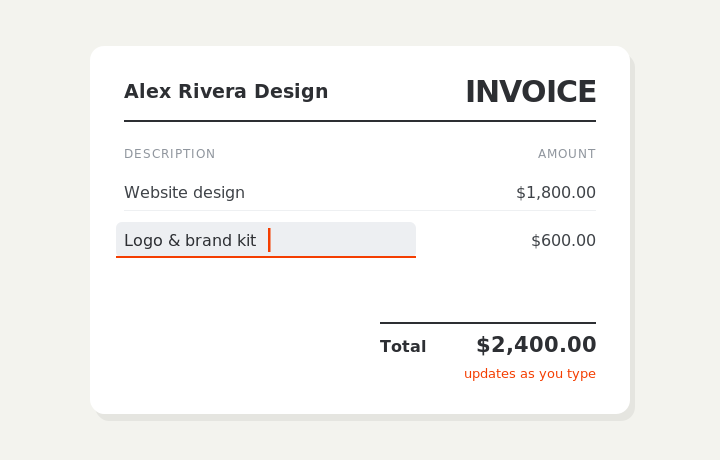
Type on the invoice
Fill in your business, client, and line items right on the document. Totals and tax calculate live as you type.
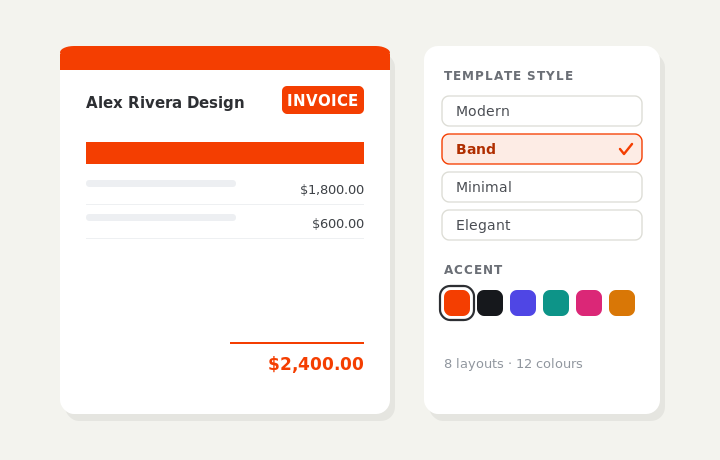
Customize & preview
Upload your logo, pick one of eight layouts and a color — the invoice you see is exactly what downloads.
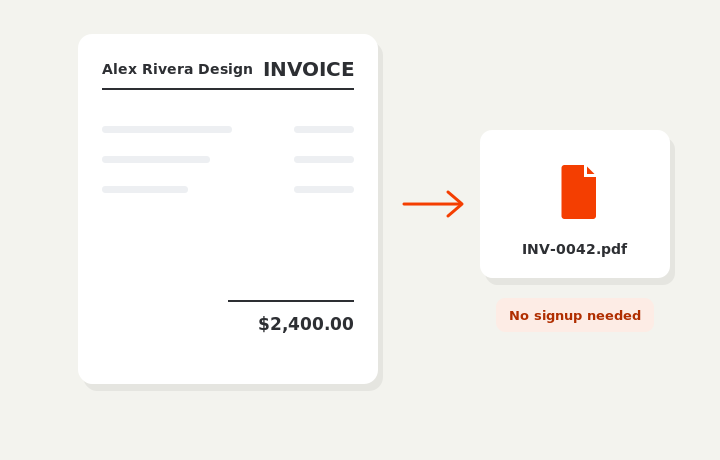
Download or send
Download a clean PDF, or sign in and email it straight to your client.